Are the web tools free?
Yes. You can use the web tools without payment or an account.
Where do my files go?
The tools process the files you select in your browser, on your device. They do not upload those files to our servers. The website uses analytics to understand visits. Read our privacy information for details.
Can I use the tools on my phone?
The web apps work in modern browsers. A desktop or laptop is easier for arranging pages and editing images. Large files can exceed the memory available on a phone or in a browser tab.
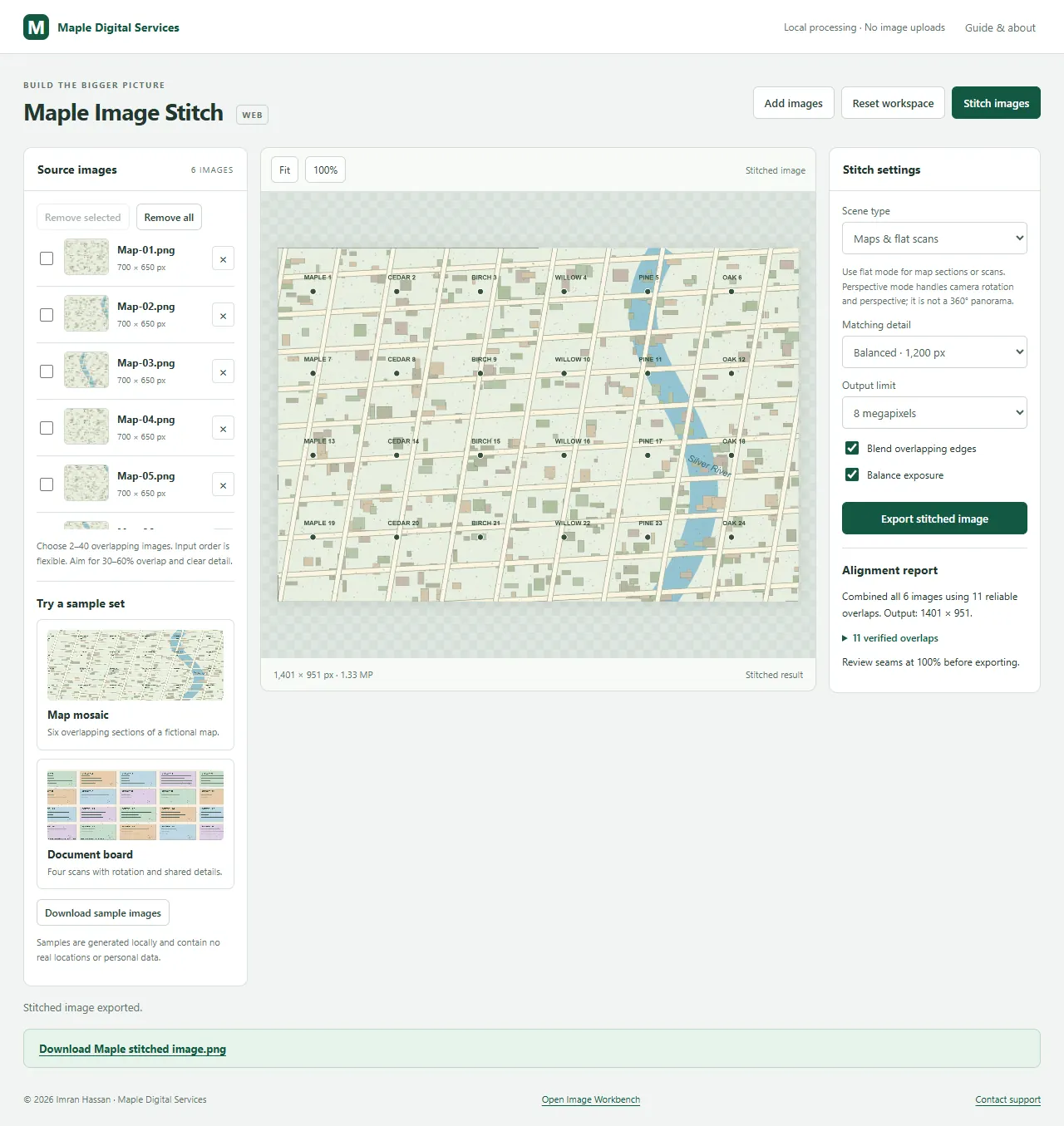
Will Image Stitch join any set of images?
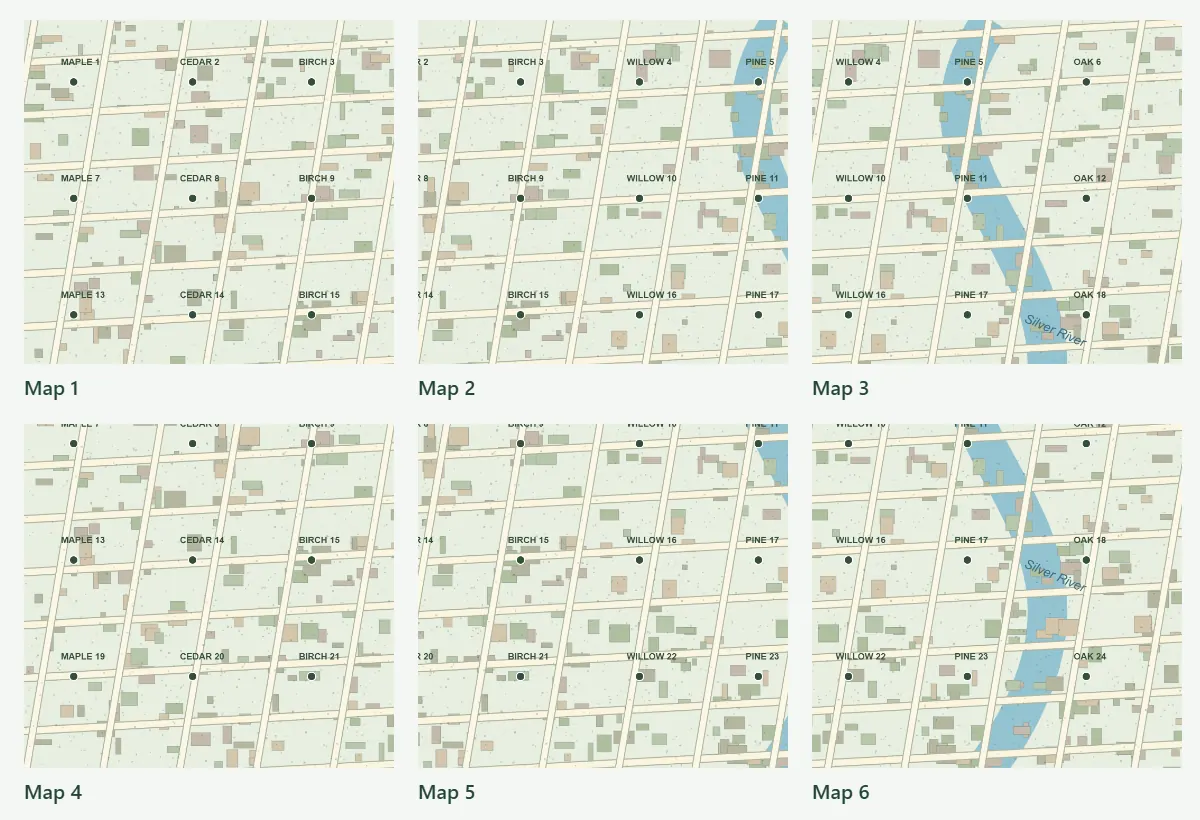
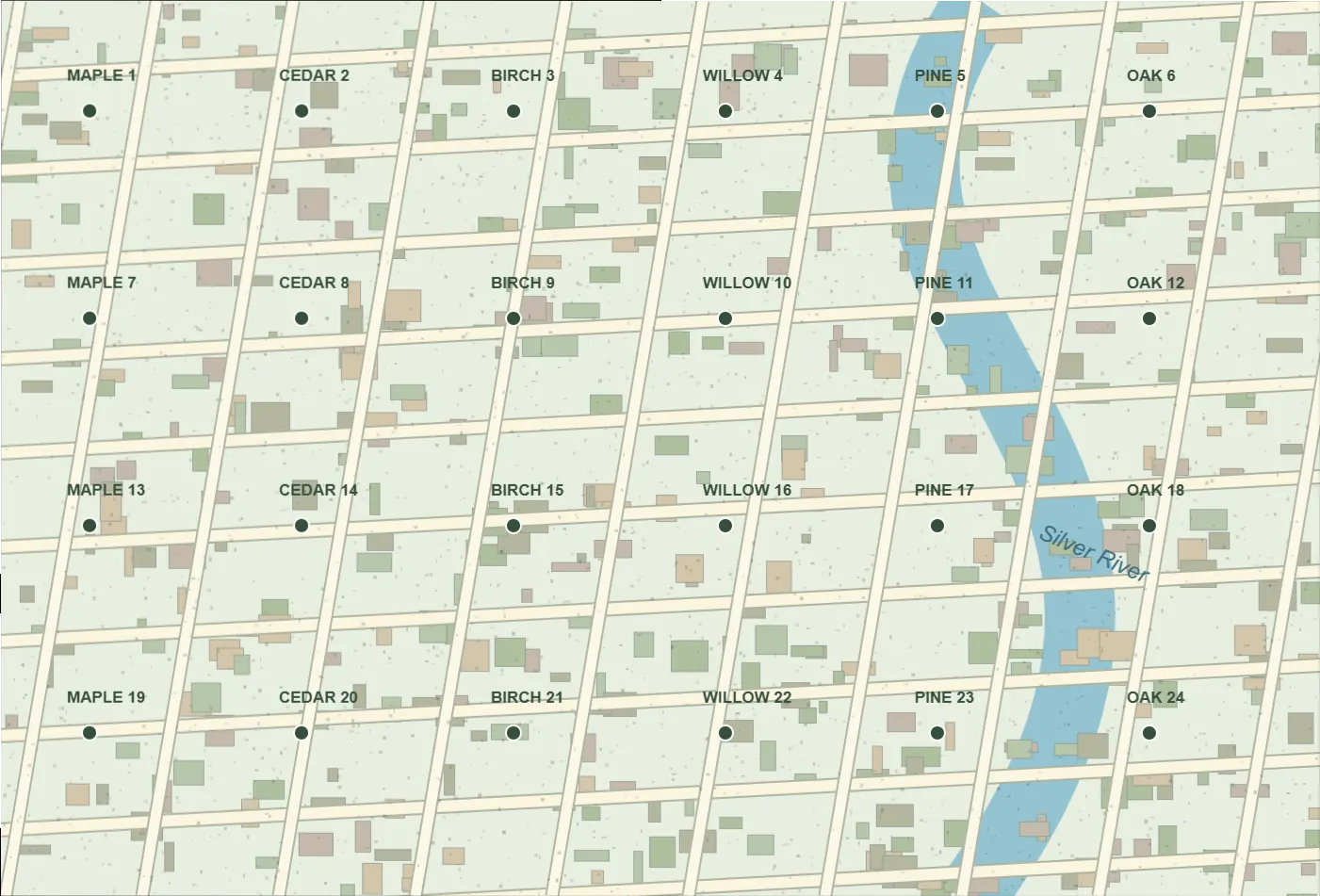
No. Images need overlapping areas with enough shared detail to match. Moving objects, blank areas, or a large change in viewpoint can prevent a good result. Try the included samples first, then check your own result before using it.
Does Image Workbench include every OpenCV function?
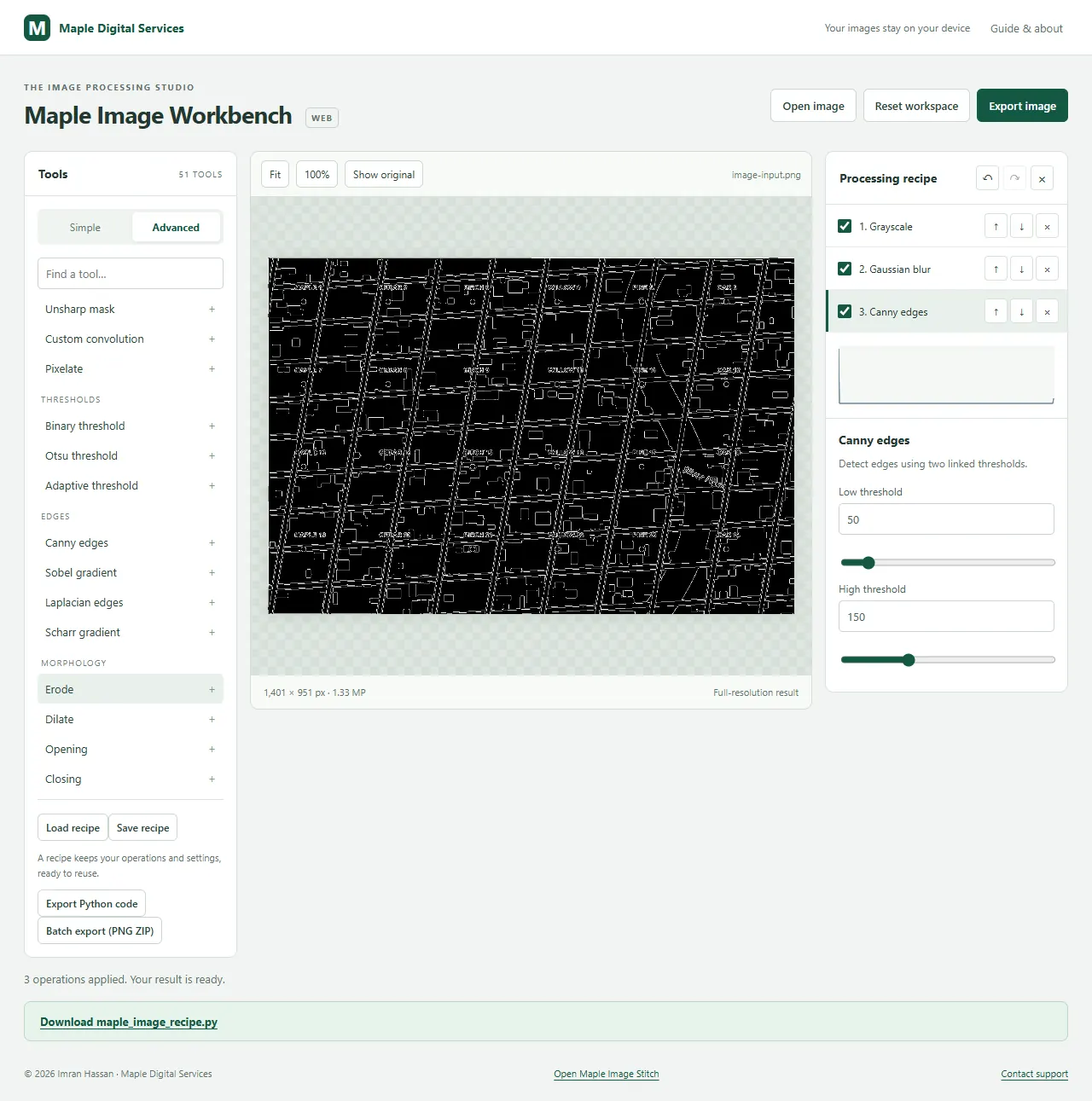
The web app includes 51 selected operations, with Simple and Advanced modes. It does not include every OpenCV function, trained AI models, or video processing. The desktop and web editions have different feature sets.
What are the extra tools on this page?
Compress, resize, and convert images, remove photo details, save PDF pages as pictures, rotate pages, and add page numbers. They run in your browser on this website. They are free, they don’t need an account, and they don’t upload your files.
How do I report a problem or request a desktop app?
Email mapleds.support@gmail.com. For a problem, include the app name, your browser, and the steps that caused it. Please avoid sending sensitive documents or images.