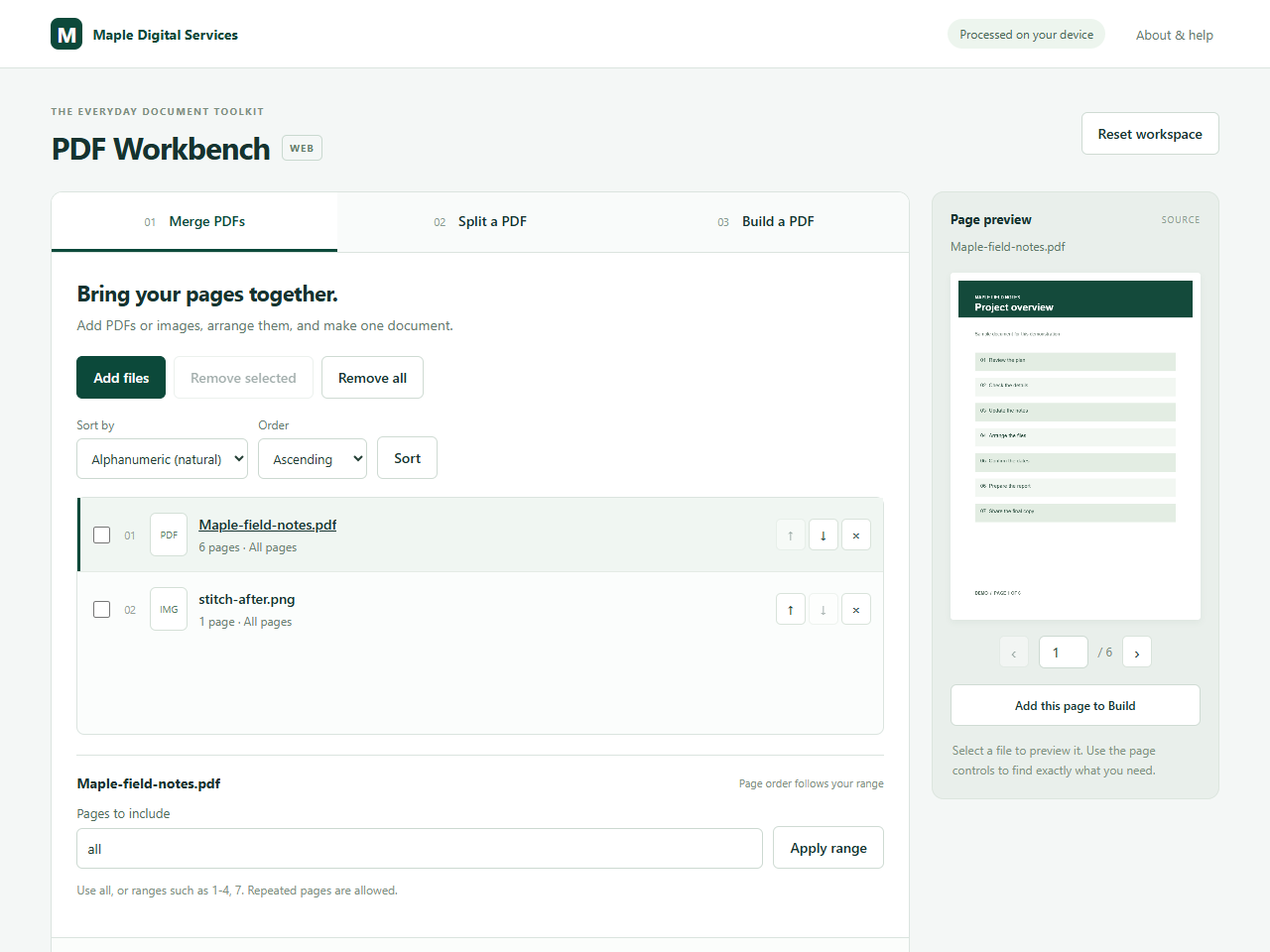
Merge PDFs and images
Put a report, a cover page and image files into one PDF. Choose the order and leave out pages you do not need.
Read the merge guideFollow these steps to make a PDF, keep the pages you need, or work with images. Each guide uses the free web tools.
Put a report, a cover page and image files into one PDF. Choose the order and leave out pages you do not need.
Read the merge guideSave a few pages as a new PDF, or divide one document into several parts.
Read the page extraction guide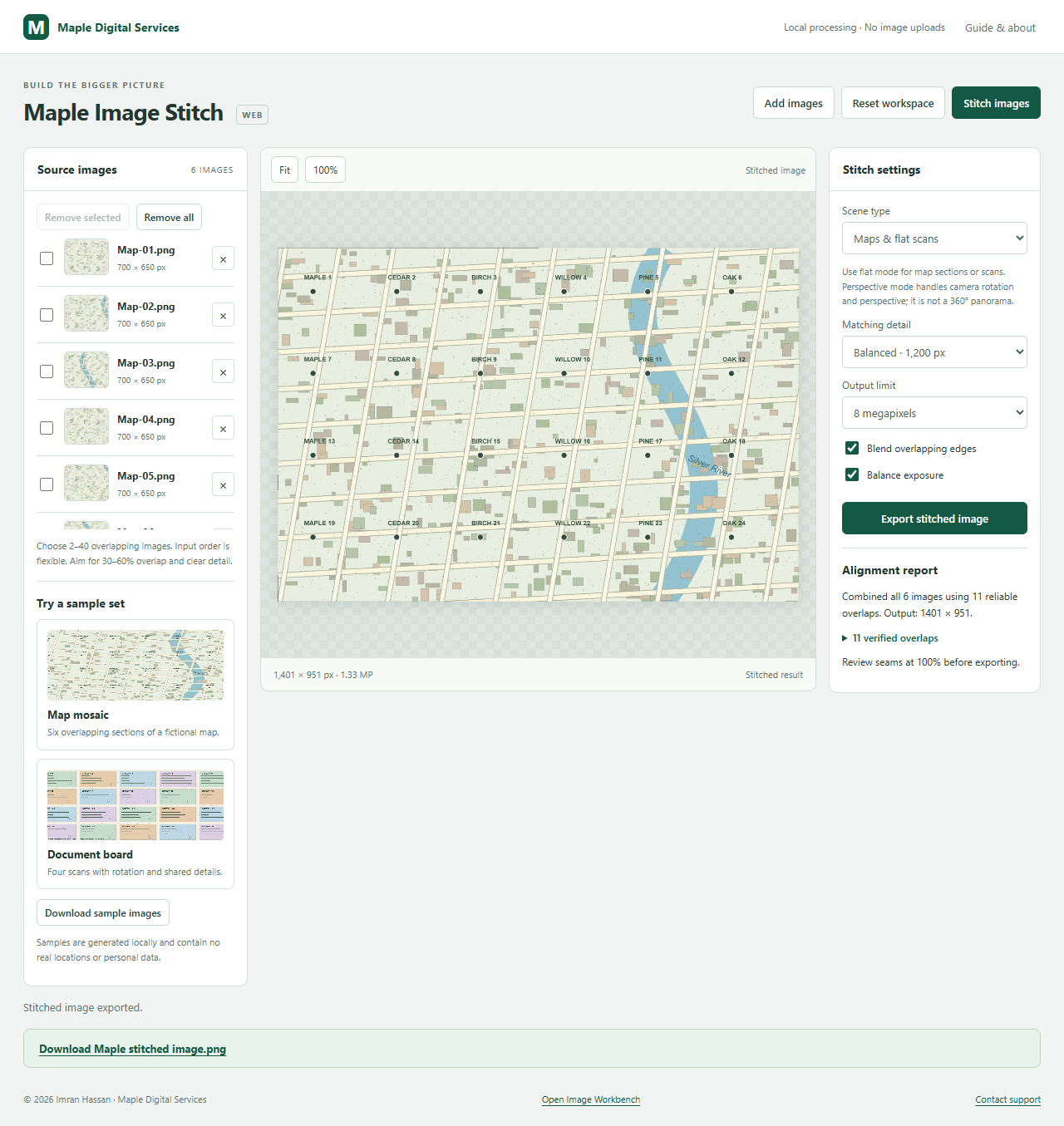
Combine sections of a large document or map into one image. Try the included sample before adding your own scans.
Read the stitching guide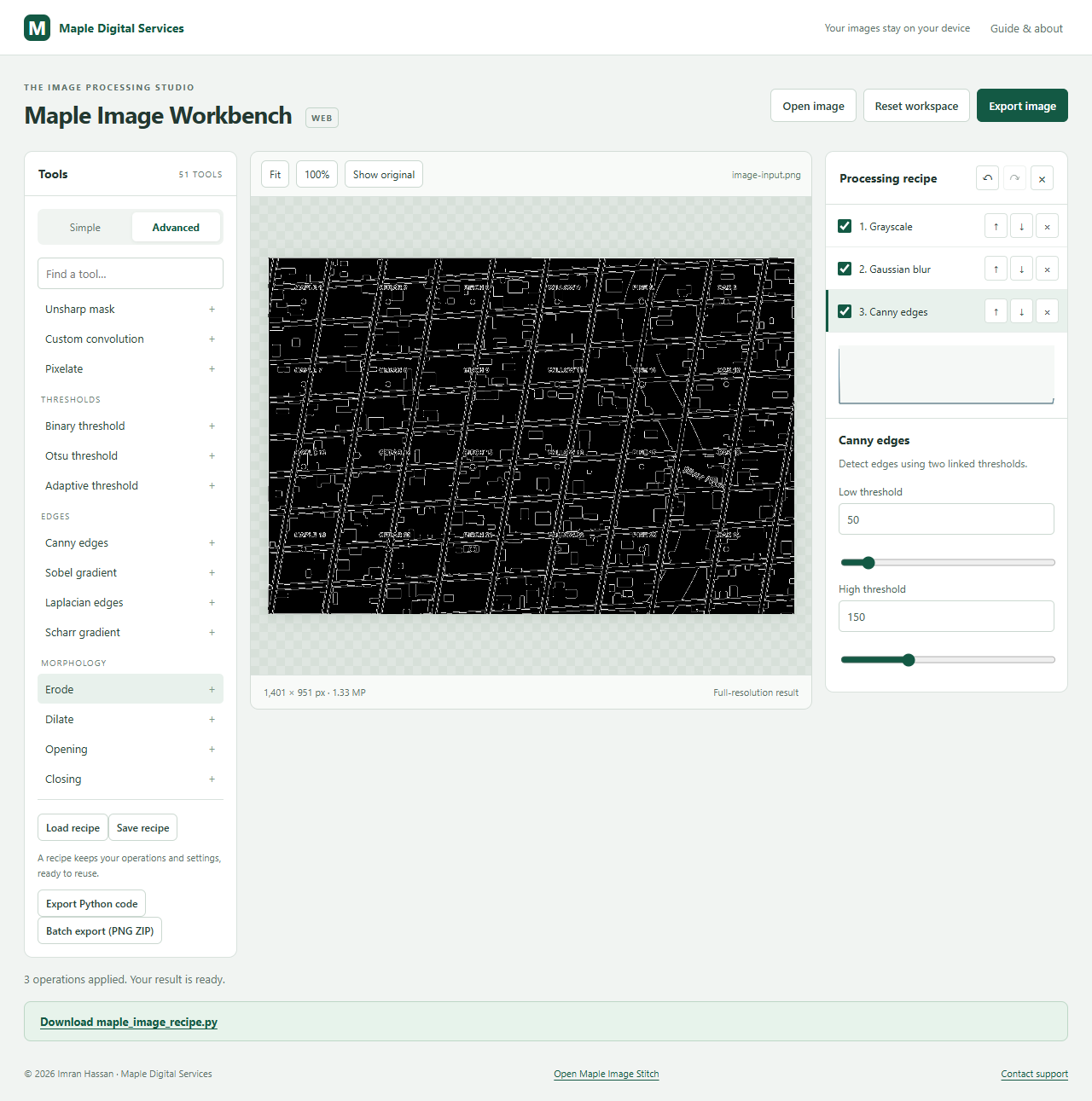
Build a small image-processing recipe, compare the result, and download the Python code.
Read the OpenCV guide